Slide Deck Generator
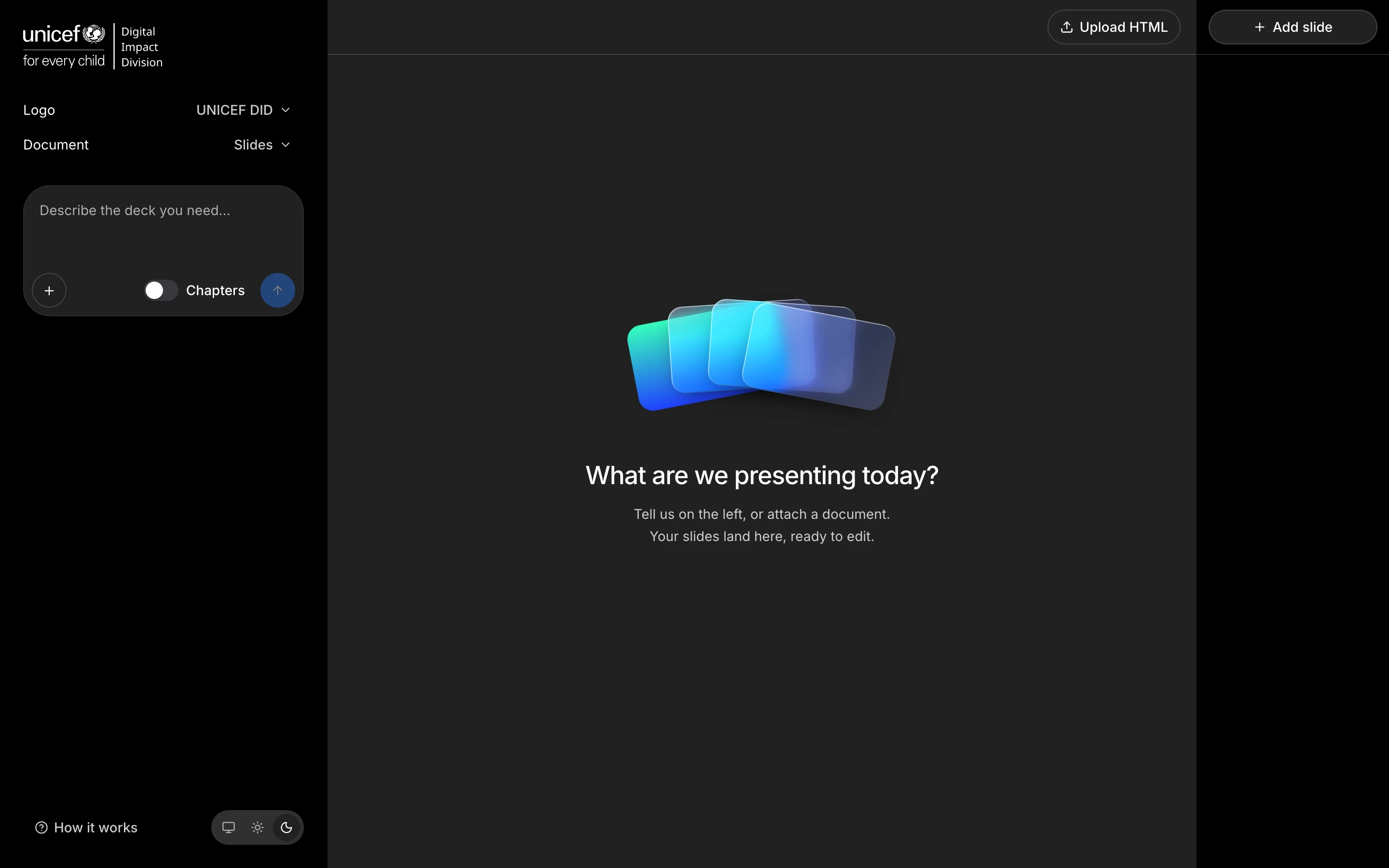
Write a brief in plain language, get an on-brand slide deck. The AI never designs a slide, it picks an approved layout and writes the text.
- Role
- Product designer and builder
- Period
- 2026
- Stack
- Next.js 16React 19Tailwind 4OpenAI Responses APIMapLibrezodRemotion
I designed and built Slide Deck Generator, a web app that turns a plain language brief into a slide deck that is already on brand. No template to assemble, no queue behind the design team.
The needs
The people who make most of the decks at Giga work in brand and communications. They are not designers. They had two options: put the template together by hand and get it slightly wrong, or wait for a designer to be free. Both were slow, and the second one was me.
How I approached it
The first idea everybody has is to let the AI design the slides. I went the other way.
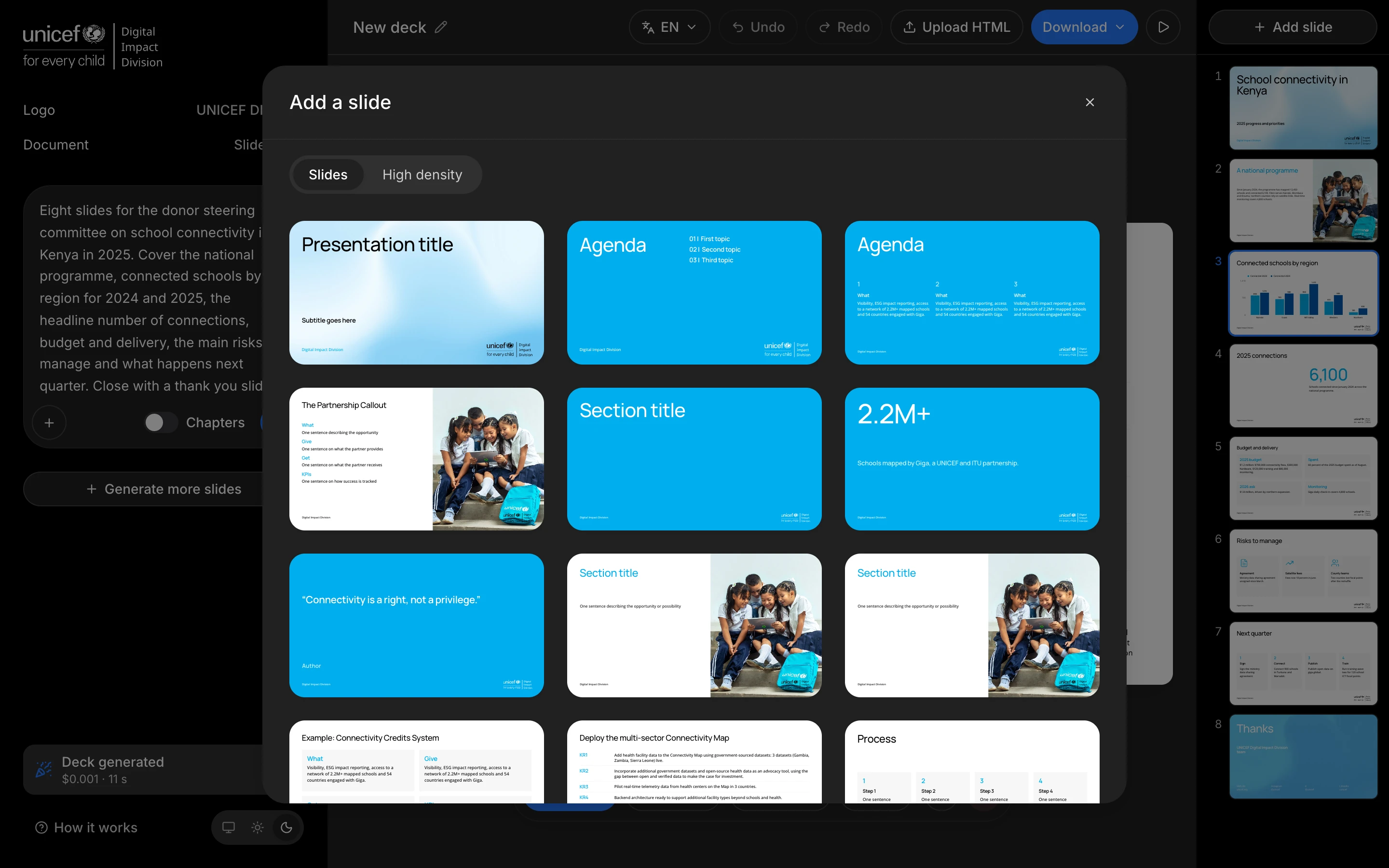
The model gets a fixed catalog of approved layouts. It picks a layout and writes the text. Every pixel on the slide comes from the signed off template: one palette per lockup, one accent, the same two typefaces, no black backgrounds. If a change gives the model more freedom over layout, colour or geometry, I treat it as a regression, even when the output looks good.
That one decision is why a deck made by someone in comms looks like a deck made by the design team.
Let's see the result
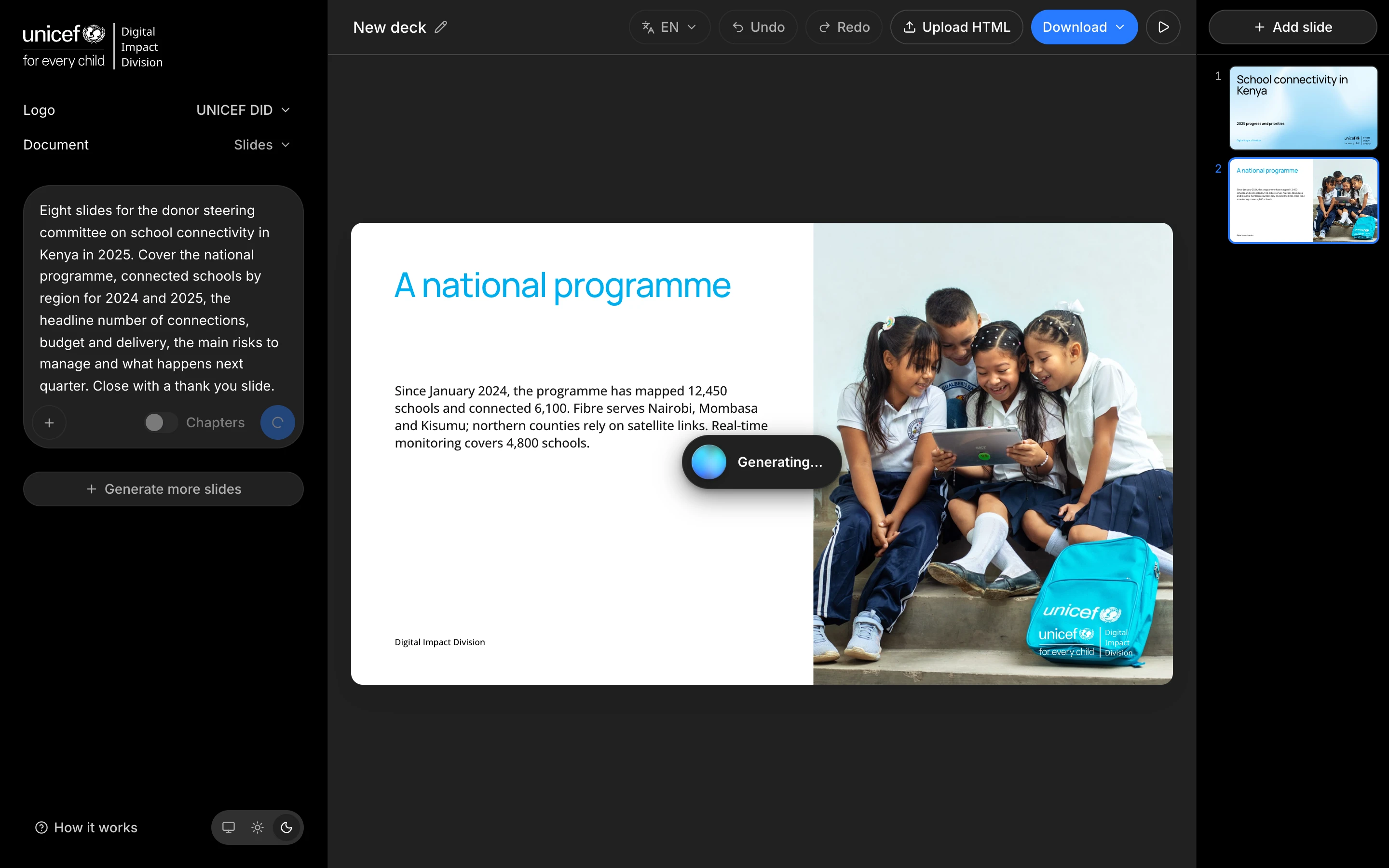
- Slides stream in one at a time while the deck is being written, about 1.7 seconds a slide.
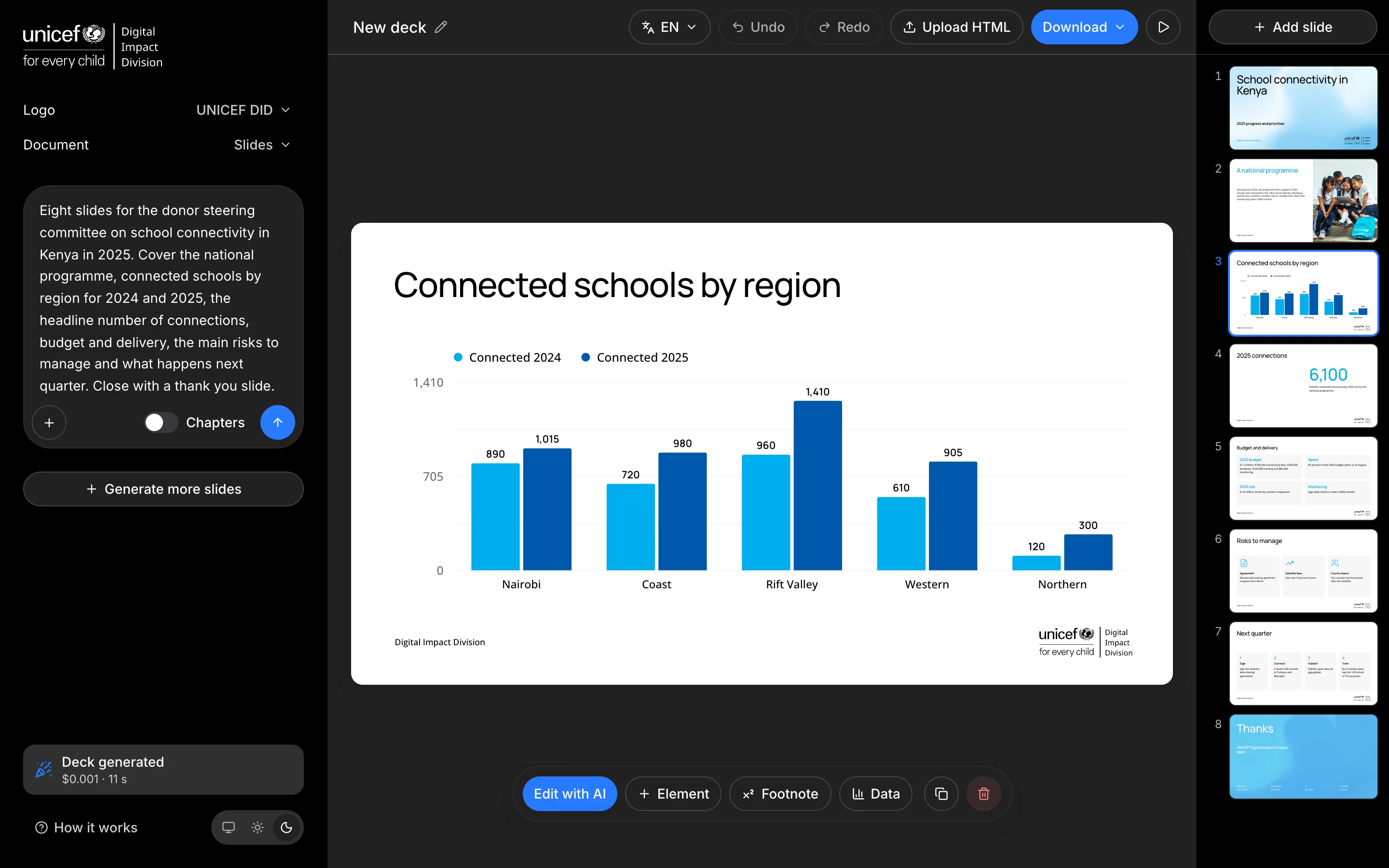
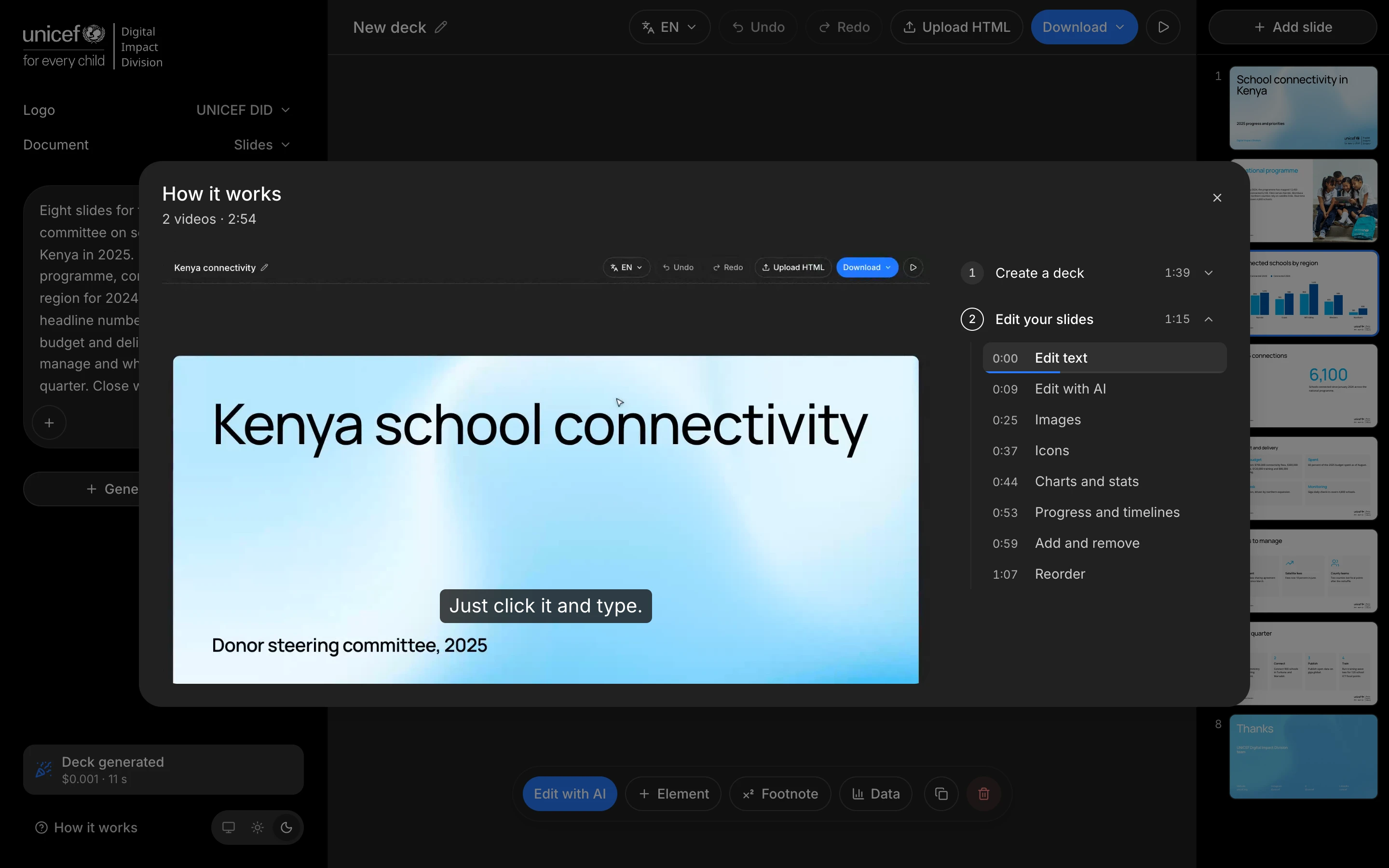
- A full editor on top: text autofit, add and remove elements with layouts that adapt, undo and redo, drag and drop, image upload, a bar chart with a live data panel, a partner slide with real logos.
- Live country maps rendered in the browser from public Giga tiles, at the exact size of the slot they fill.
- Attach a PDF, a Word file or an old PowerPoint and the brief is built from it. Paste a link in the brief and the page is read too, even when it is built in JavaScript.
- The brief is taken at its word: a count, a structure or a number written in words is honoured, and a deck that had to be cut short says so.
- A Layout button in the slide bar shows the slide's own text in other layouts. Switching costs nothing, because the model is not called again. A series of slides alternates its layouts on its own, and repeats one only when the brief asks for it.
- A list slide holds up to six labelled points in rows. Chart bars and donut segments take one of sixteen brand colours, and a regenerated chart keeps the ones I picked.
- The image picker has a Library of thirteen of Giga's own photos next to Upload.
- Each deck has a name, and the last generation shows its cost and time.
- The chrome has a dark theme. Screens under 1024px get a notice that the editor is desktop only.
- Export to a self contained HTML file, to PDF, and to native PowerPoint. The PPTX export walks the rendered slide and turns each node into a real shape, so a design change reaches PowerPoint by itself.
- Thirty one languages, the 30 most spoken plus Italian, with a search in the menu. A new deck is written in the language of its brief, and that stays its original. Pick another language and the whole deck switches. A word fixed by hand is never lost: after an edit in a translated language, I ask whether to keep my version or use the translation. Division and product names are never translated.
- Deck length is Auto, 12, 20, or a number typed on the row. The base writing rules come from the UNICEF Brand Book voice, and a fidelity review lists any line left out of the agenda, dividers or closing slide.
- A4 two pagers, built from ten signed off boards. It is still in beta. Pages are stacks of blocks, with a block rail to drag new ones in, a side bar for the selected block's actions, and text that runs on to the next page when one fills up. A Comparison table block gives each column its own colour, subheads, bullets and bold names. The PDF export prints only the pages themselves, at full size.
To check the output without reading every deck, I wrote a QA script that scores a generated deck against its source material. I ran twenty briefs through the pipeline with it, and the slips the model kept repeating are now decided in code, without the model.
I chose not to add a database. People needed backup and portability, and a deck file does that without accounts, storage for images, or breaking the offline export.
A launch video, made like the app 🎬
To launch it, I made a 40 second motion graphics video in Remotion, in code, from the real interface. The screens come from the app itself, replayed from a fixture, so no model is called while it records. The cuts follow the music: the prompt lands on the band hit, the editor sits on the breakdown, the export rides the chorus. Every sound effect is matched in loudness to the others and the mix is mastered to -14 LUFS, the loudness streaming platforms use. It closes on the UNICEF Digital Impact Division logo, nothing else.
Impact
Colleagues outside the design team make their own decks now, and they send feedback while they use it.
Cost and speed come from 847 decks generated by my QA runs since the end of September, with 9 slides on average. The sessions come from Hotjar: long enough to write a brief, get a deck and edit it until it's ready to present.
More screens